This is the integrated path teams run in production. Cockpit populates every dashboard from the same Jira load; ScenarioForge never bypasses human review before publish.
PHASE A · JIRA & COCKPIT SETUP
1 — Create the Jira project
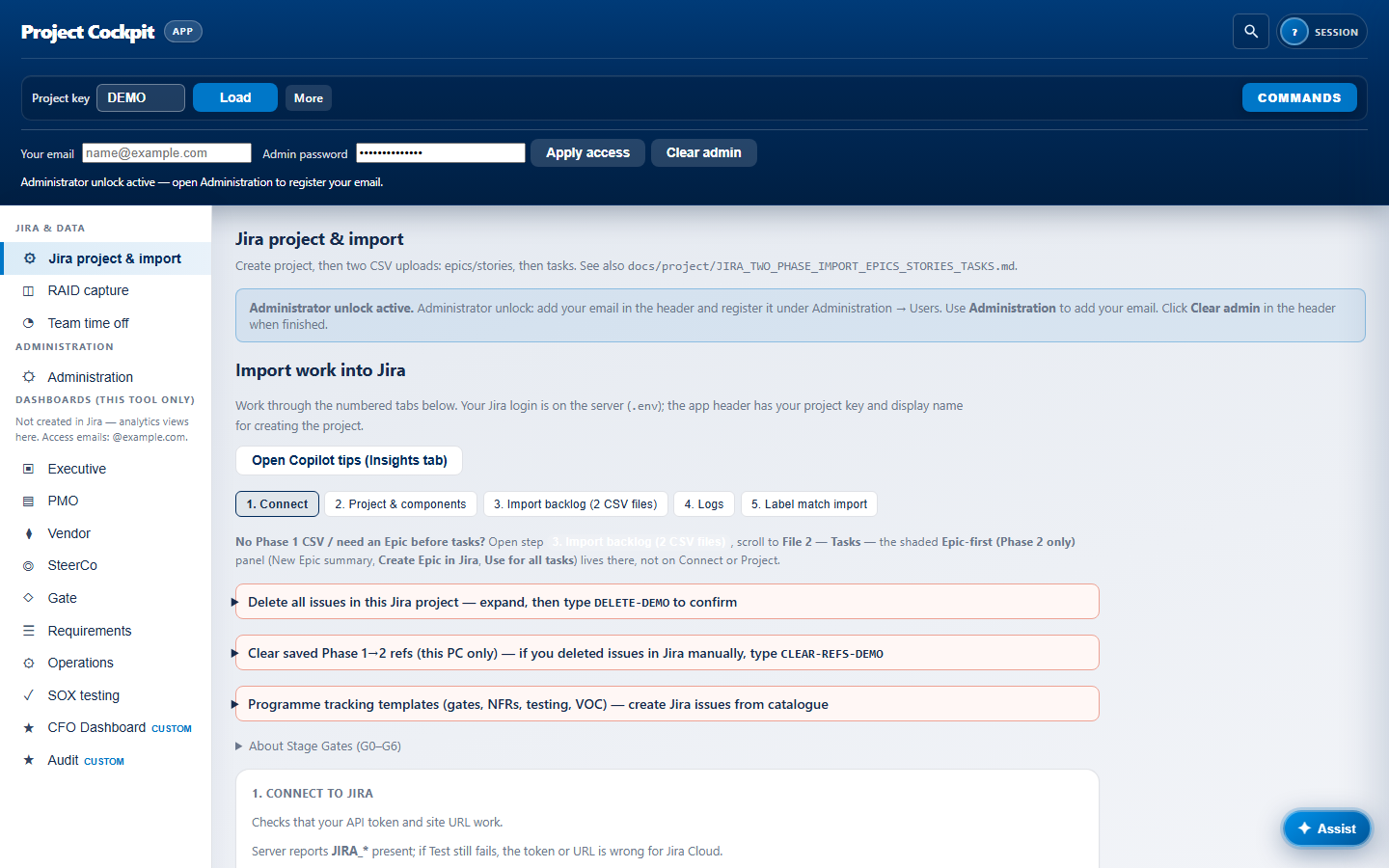
In Jira project & import → Connect, verify credentials, then create the project (or bind an existing key). Set components and programme metadata. Cockpit stores nothing outside your Jira site except local refs and tenant config.
PHASE A · JIRA & COCKPIT SETUP
2 — Import Phase 1 backlog (epics & stories)
Upload the epics/stories CSV. Cockpit maps hierarchy (Epic → Story), Epic Link, and optional stage-gate labels. Import logs show every row — fix Jira screen/field errors before Phase 2.
PHASE A · JIRA & COCKPIT SETUP
3 — Import Phase 2 tasks (incl. test-scenario tasks)
Upload the tasks CSV. Parent resolution links work to stories or epics. Tag Phase 2 rows that should feed ScenarioForge — these become the generation source later.
PHASE A · JIRA & COCKPIT SETUP
3b — File 3 RTM enrichment (optional)
Upload the vendor RTM / requirements CSV as File 3. Cockpit matches each row to live Jira stories using a multi-path cascade — Phase 1 story-ref cache, crosswalk, BRD tokens, existing labels, then text overlap. Preview shows confidence and match reason per row; apply selected labels and structured trace comments only after review.
PHASE A · JIRA & COCKPIT SETUP
4 — Stage Gate field & programme templates
Create the Stage Gate (Project Cockpit) custom field (G0–G6) or use gate labels. Optionally apply programme template packs (gate evidence, NFRs, testing governance).
PHASE B · DASHBOARDS LIVE
5 — Load issues → all dashboards populate
Enter the project key and click Load. One Jira index feeds every view:
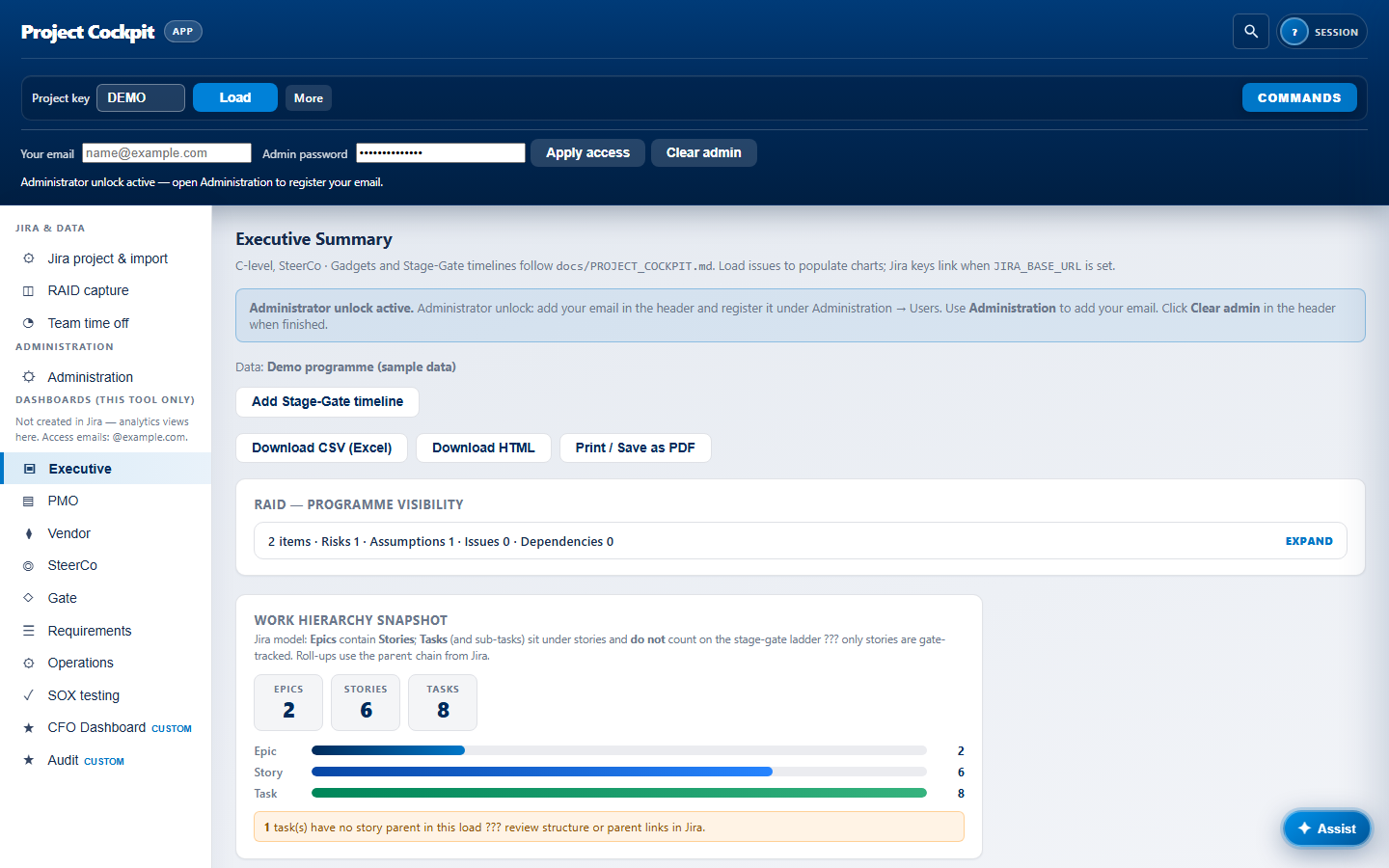
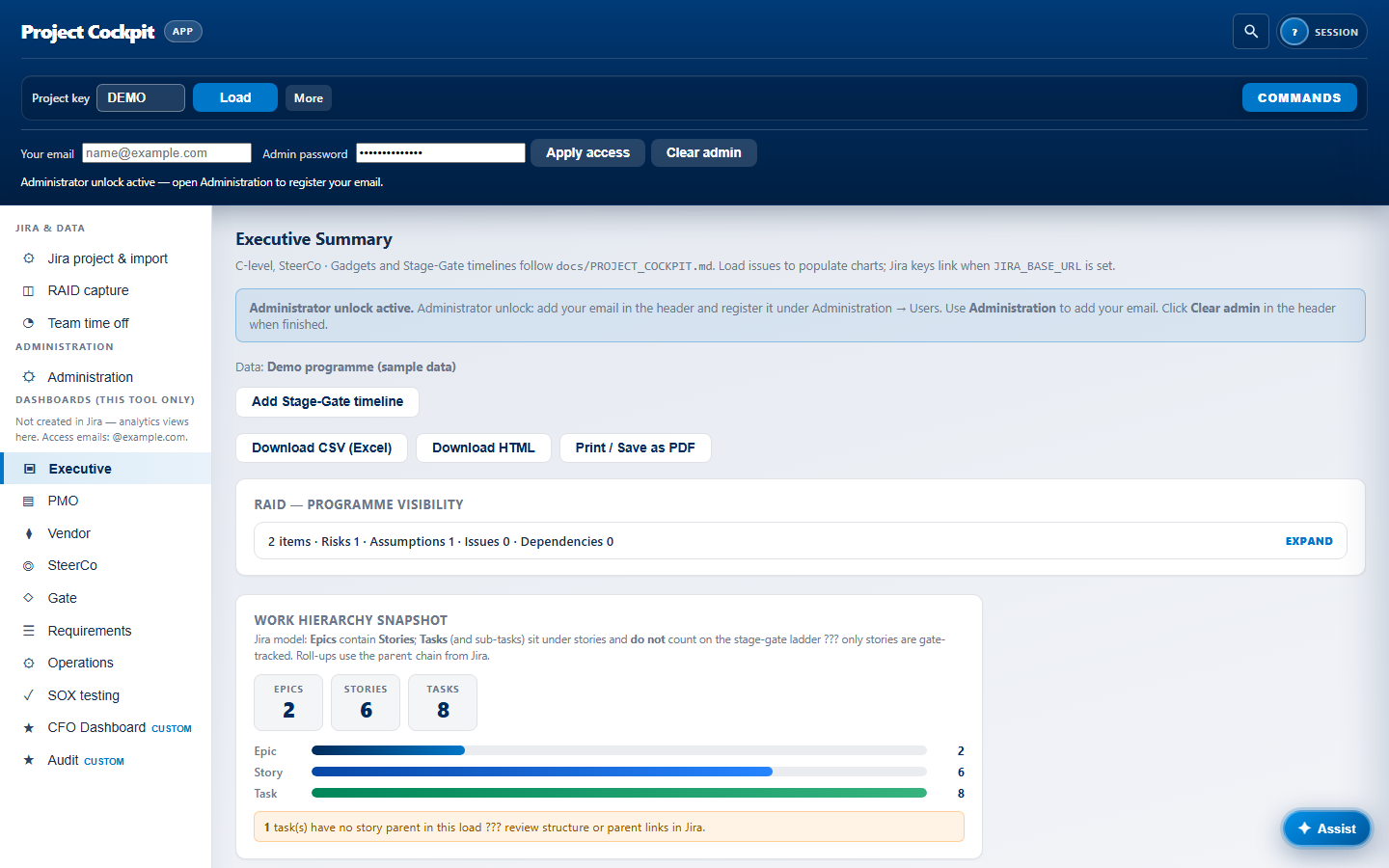
- Executive — RAID, hierarchy, epic tree, blocked/critical tables
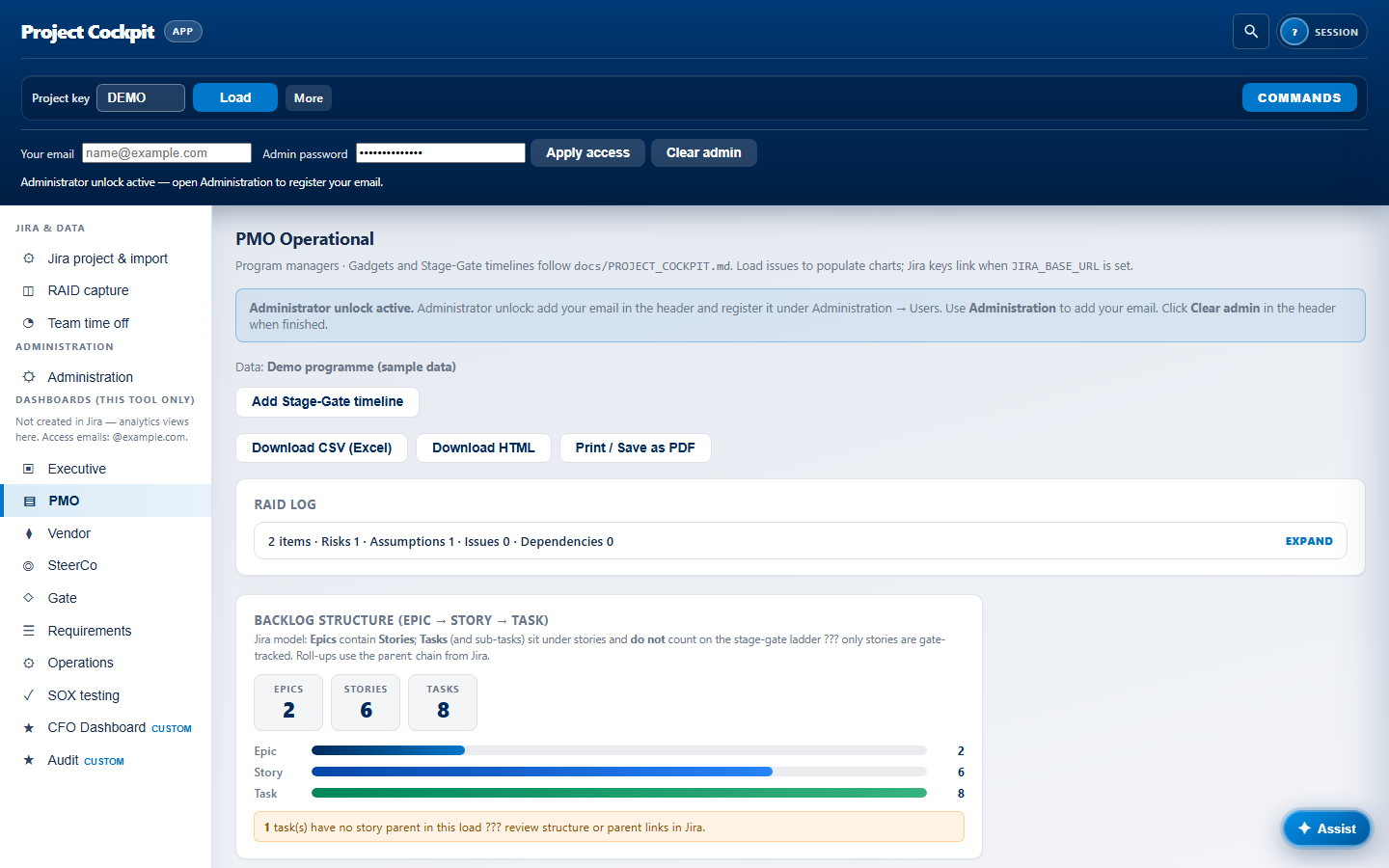
- PMO — operational control, stagnant items, assignee load
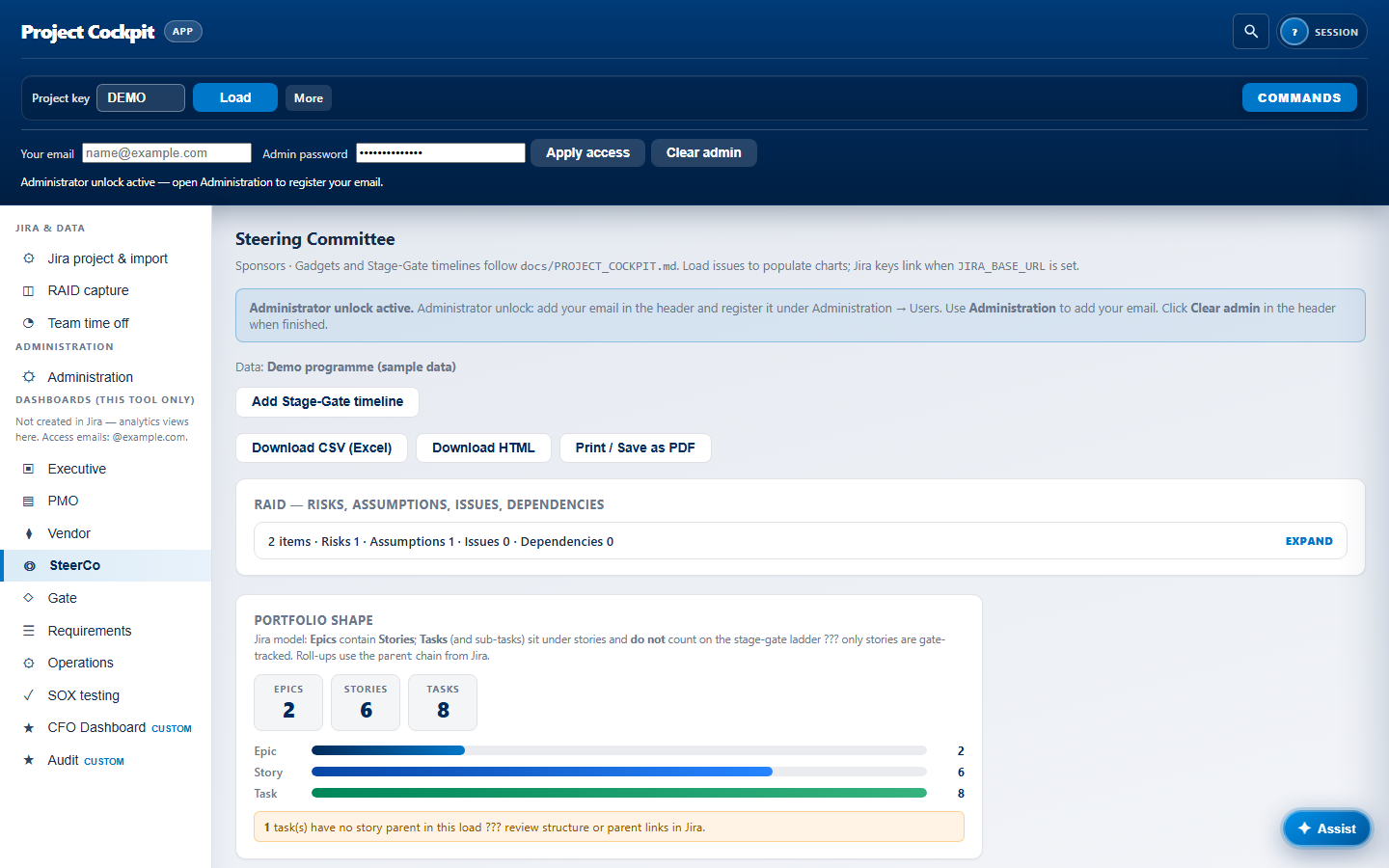
- SteerCo — sponsor lists, export bundle (ZIP)
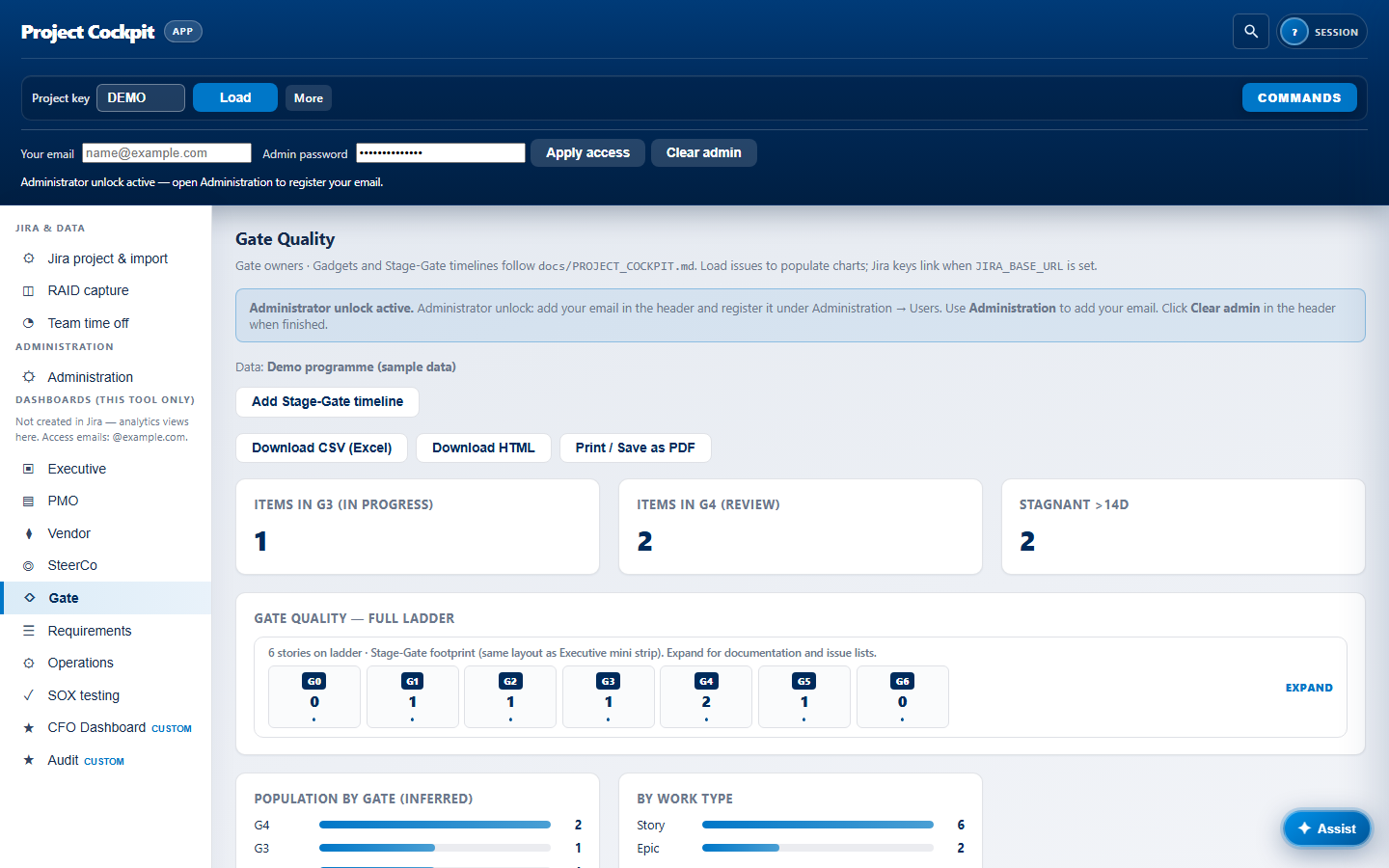
- Gate Quality — full G0–G6 ladder, review queue, KPI cards
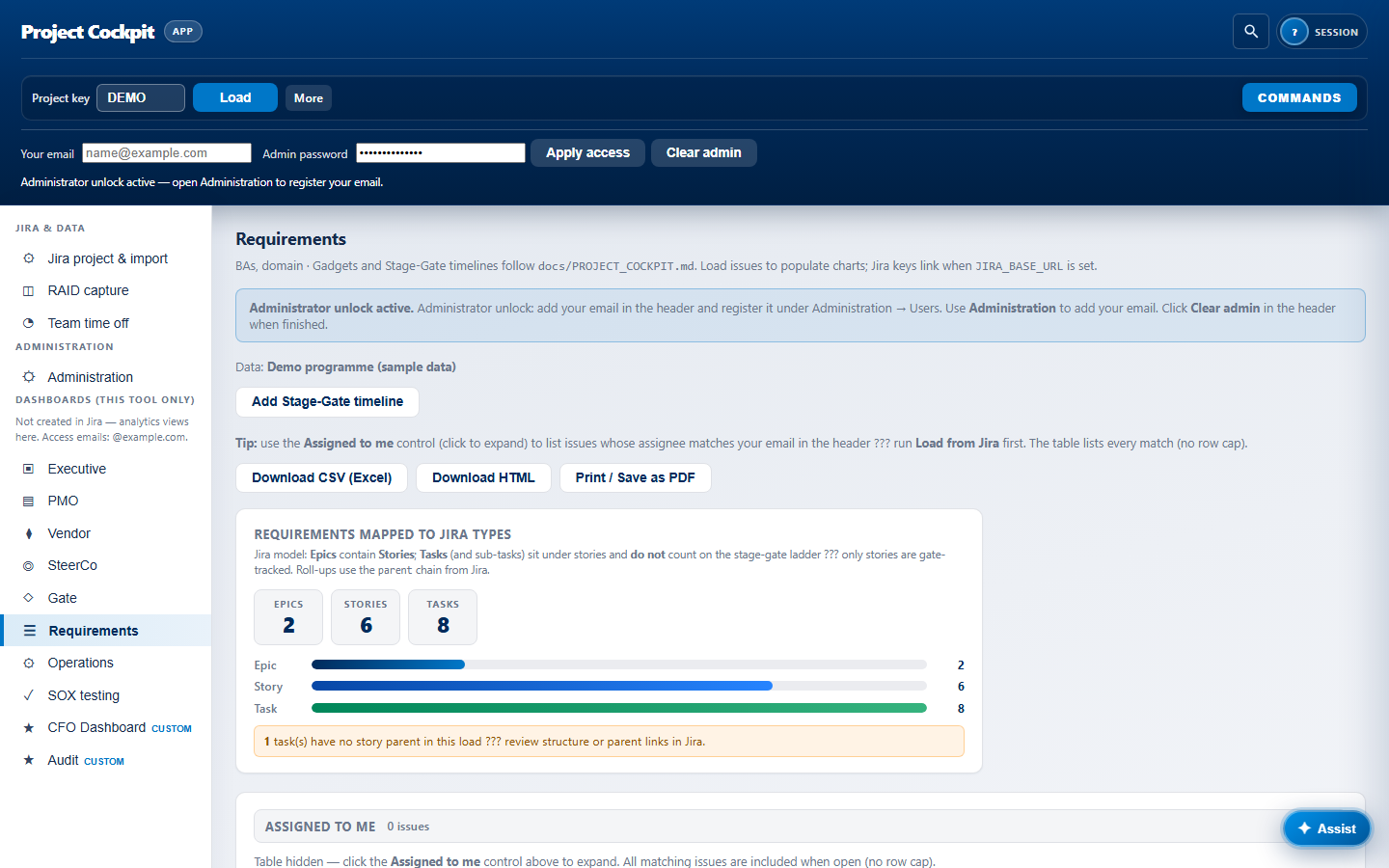
- Requirements — traceability matrix and gap lists
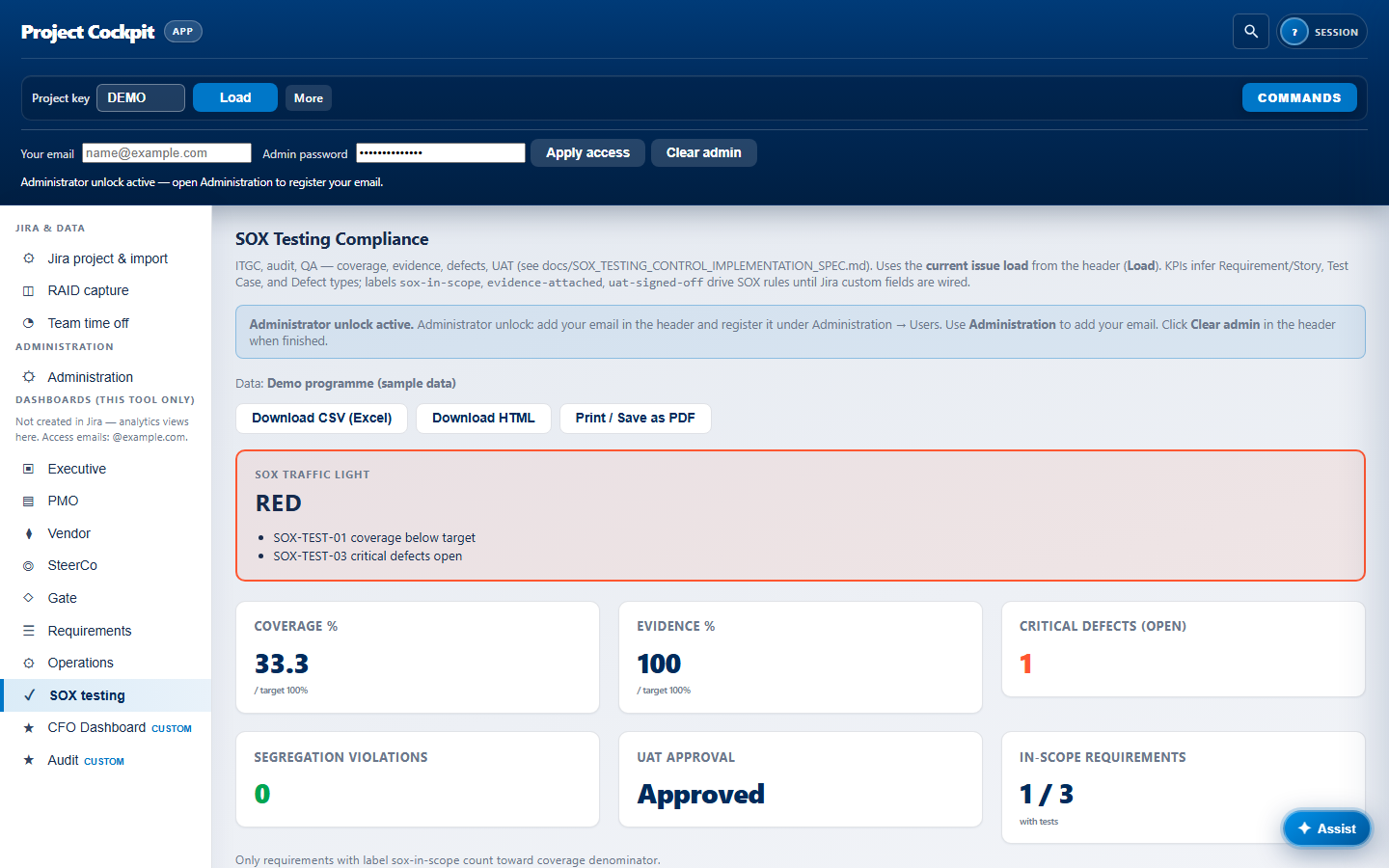
- SOX testing — coverage, evidence, defects, UAT posture
PHASE B · DASHBOARDS LIVE
6 — RAID, time-off, and ongoing governance
Capture risks/assumptions/issues/dependencies into Jira from RAID capture. Record team leave so stale lists soften while people are out. PMO and SteerCo export CSV/HTML/PDF on demand.
PHASE B · DASHBOARDS LIVE
6b — Labels & comments without leaving the dashboard
Click any issue key in a table, RAID card, or epic tree. Cockpit shows labels as chips, the full Jira comment thread, and a reply box that posts directly to Jira via the API. Editors update other fields in a collapsible panel; users with load access can read and comment without opening atlassian.net.
PHASE C · SCENARIOFORGE INTEGRATION
7 — Connect ScenarioForge to the cockpit
Your operator enables the integration bridge so ScenarioForge reads cockpit work items and shares the same Jira connection. Setup is part of your deployment package — not something evaluators run from this site.
PHASE C · SCENARIOFORGE INTEGRATION
8 — Pre-flight traceability
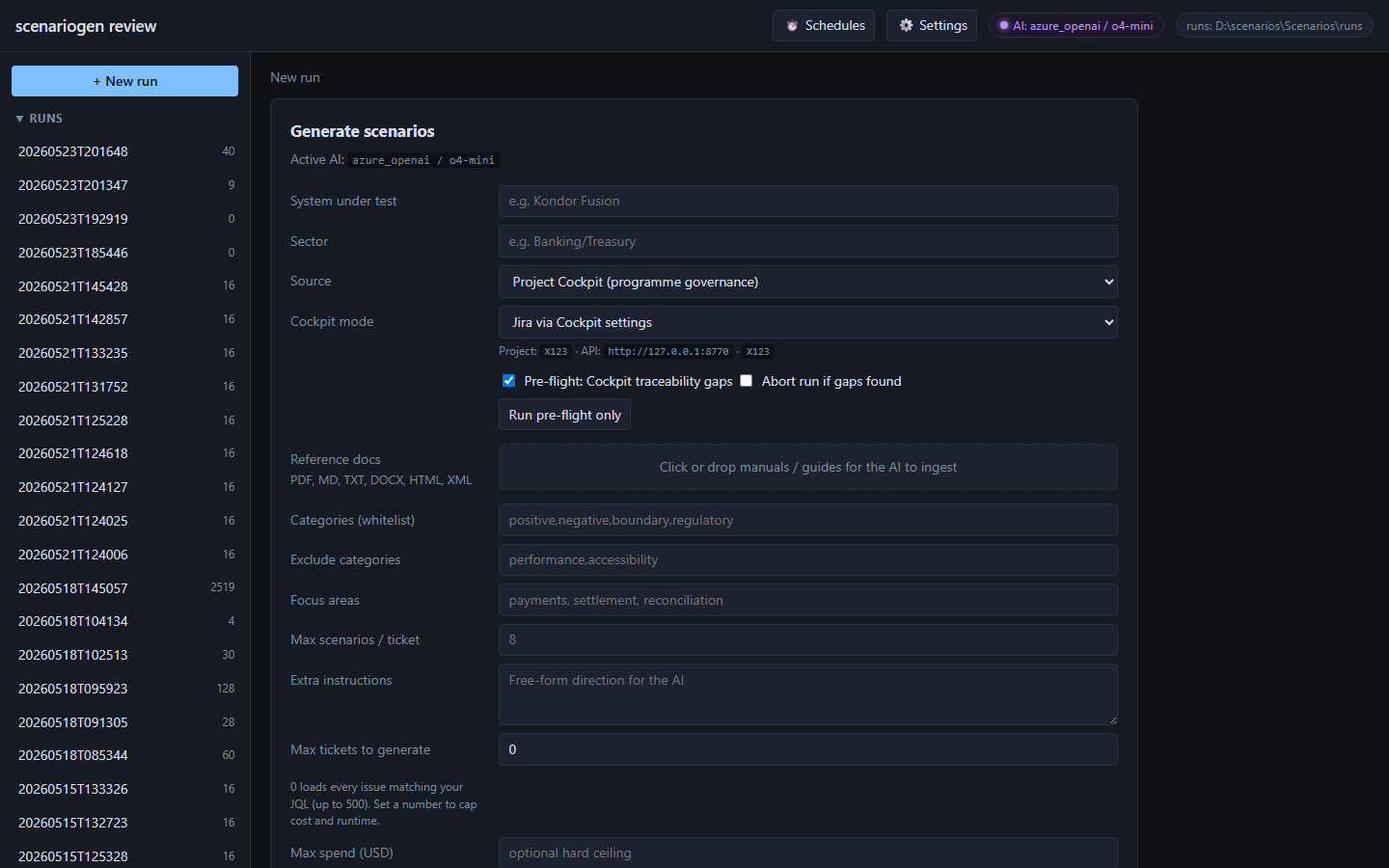
In ScenarioForge + New run → Project Cockpit, run pre-flight against the Requirements lens. Abort on gaps or continue with warnings — same rules the cockpit dashboard uses.
PHASE C · SCENARIOFORGE INTEGRATION
9 — Generate scenarios & test cases
BYOK LLM drafts scenarios from Phase 2 test tasks (or cockpit API / RTM CSV). For legacy FO/BO/MO workbooks, use Import test cases… on the matching Jira story — BOMOFO Excel parses every checklist row; other formats use AI. Open the ticket in the review console first for best mapping. Nothing is written to production Jira until you approve and publish.
PHASE D · REVIEW & PUBLISH
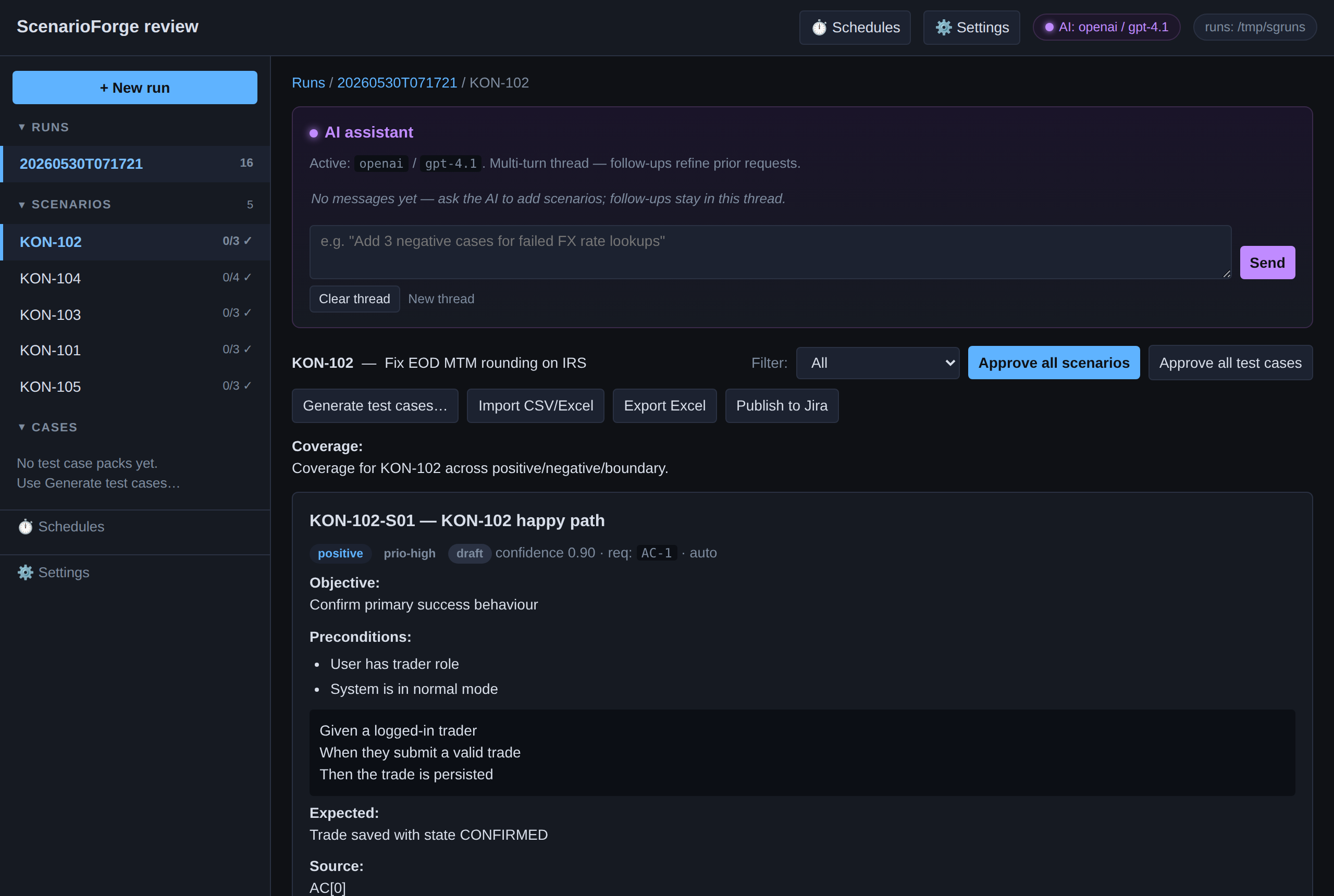
10 — Human review in the review console
QA approves, edits, or rejects each scenario. Coverage map and source ticket stay visible. Every decision is recorded in the audit log.
PHASE D · REVIEW & PUBLISH
11 — Push to Jira & Confluence
Push approved scenarios with the hierarchy writer (one issue per scenario under your Test Scenario epic). Publish approved executable test cases as sub-tasks under each scenario issue with CSV attached — re-publish updates the same sub-task. Optional cockpit PATCH enriches fields. Publish RTM pages to Confluence when configured.
PHASE E · AUTOMATION
12 — Close the loop
Inbound Jira webhooks and scheduled runs draft new scenarios when tickets move — still human-approved before publish. Cockpit dashboards reflect the updated Jira index on the next Load.